Closed test invitation
X-COCKPIT
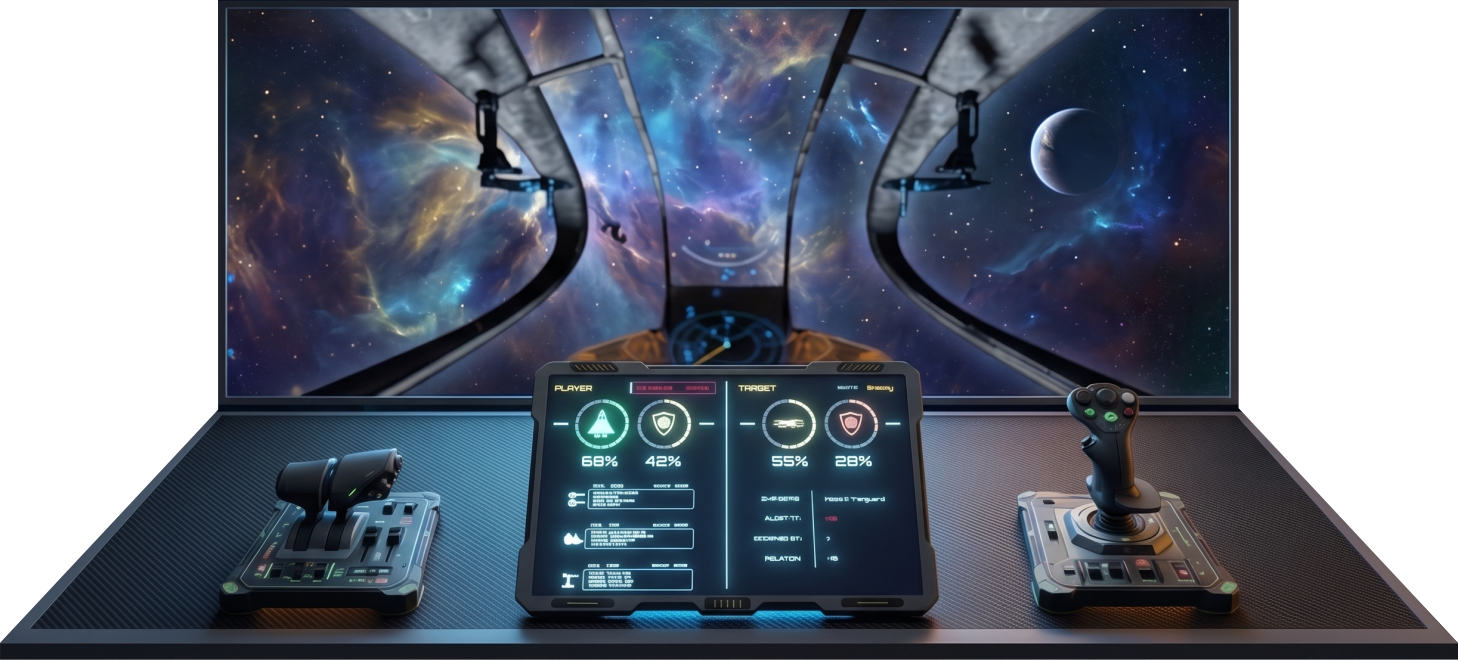
Turn an old Android tablet into an interactive HUD for X4: Foundations. I am looking for the first people who would like to help refine the project.
Loading available places…Server, client, and full creative freedom
X-Cockpit can turn an old Android tablet (or phone) into an interactive HUD and button box for X4: Foundations. It consists of a Windows server application with a built-in editor, an X4 mod, and an Android client.
The mod sends the current game state to the server. The server delivers the HUD layout and live data to the mobile device over the local network. The client shows ship information and interactive cockpit controls. Tapping a button can trigger its assigned action in X4 using your own key bindings. The PC and mobile device only need to be on the same Wi-Fi/LAN.
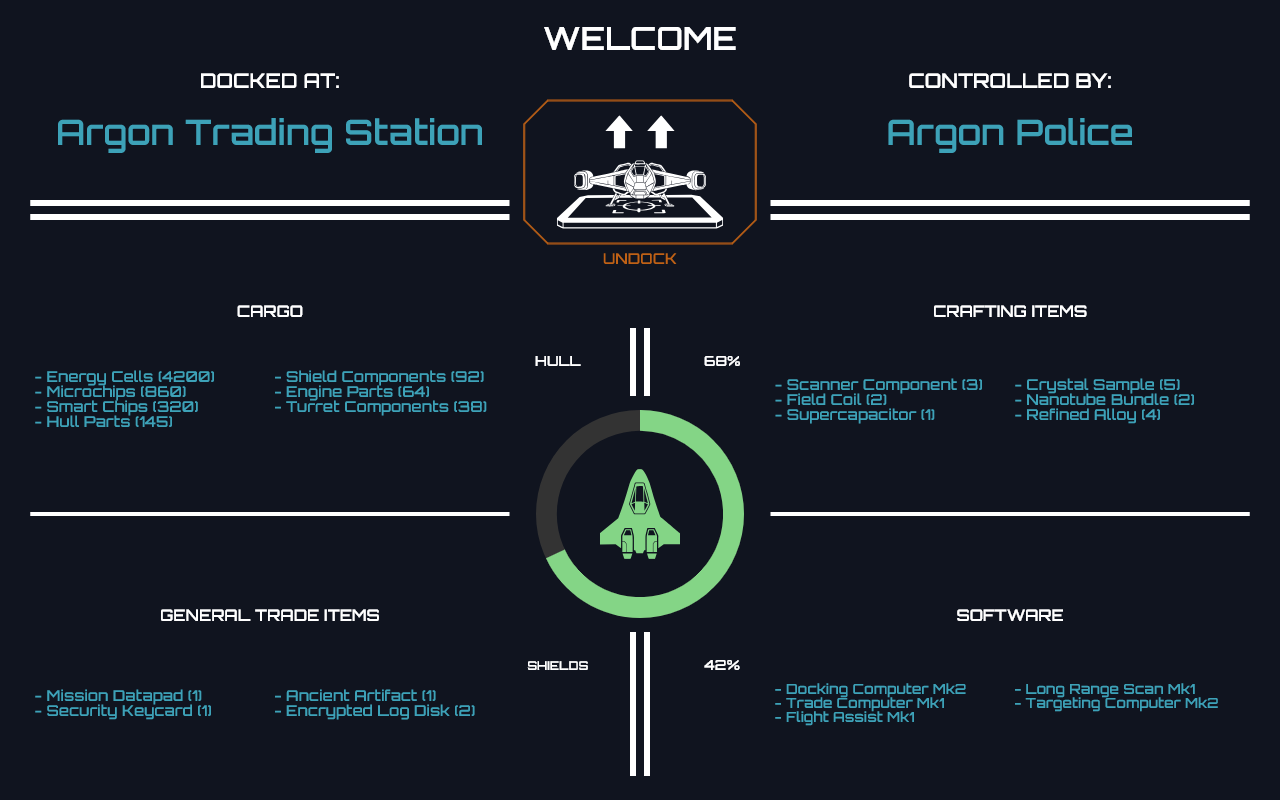
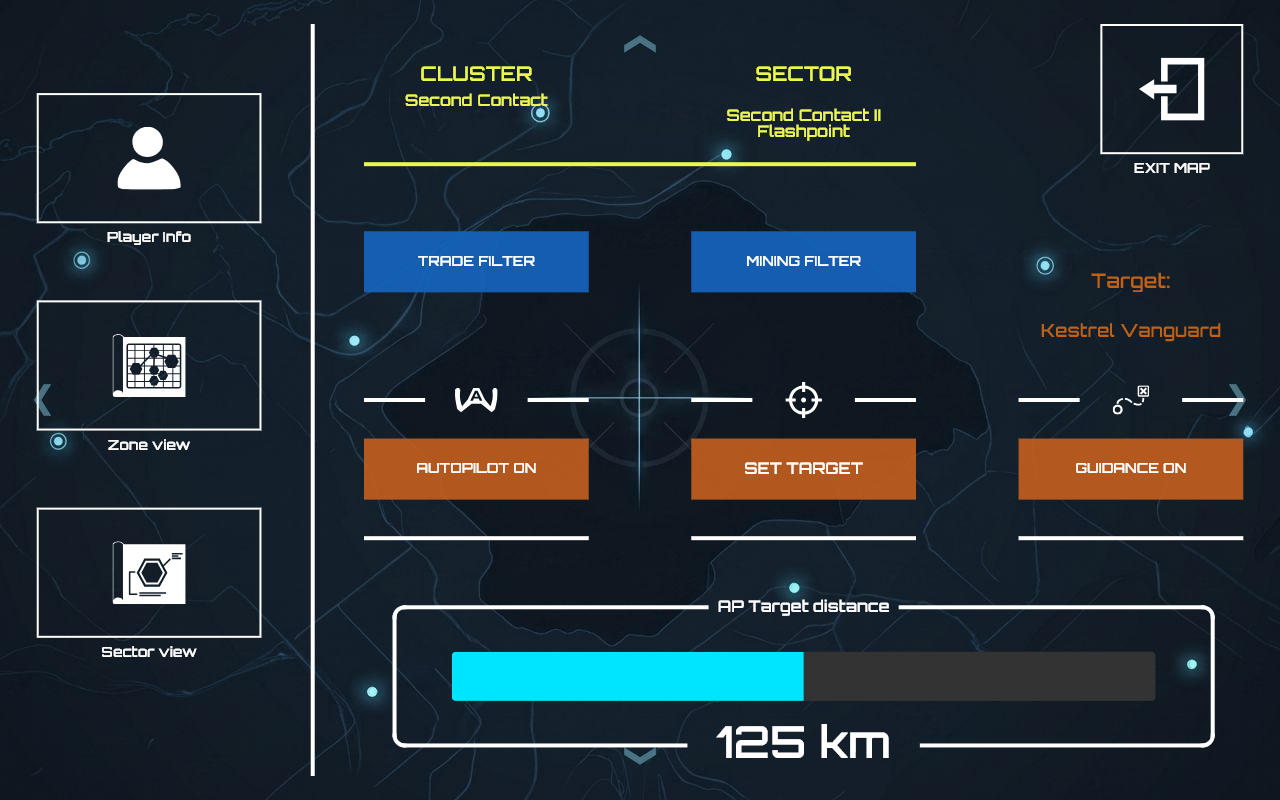
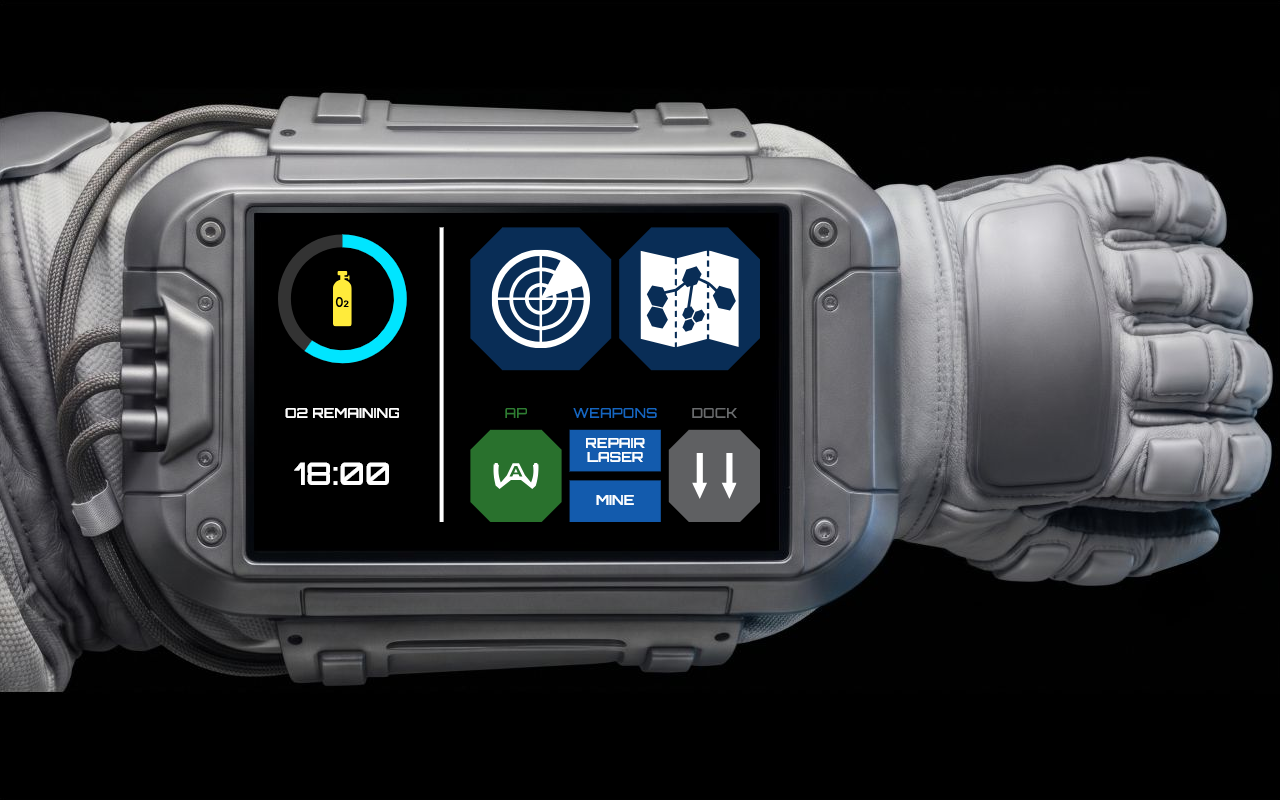
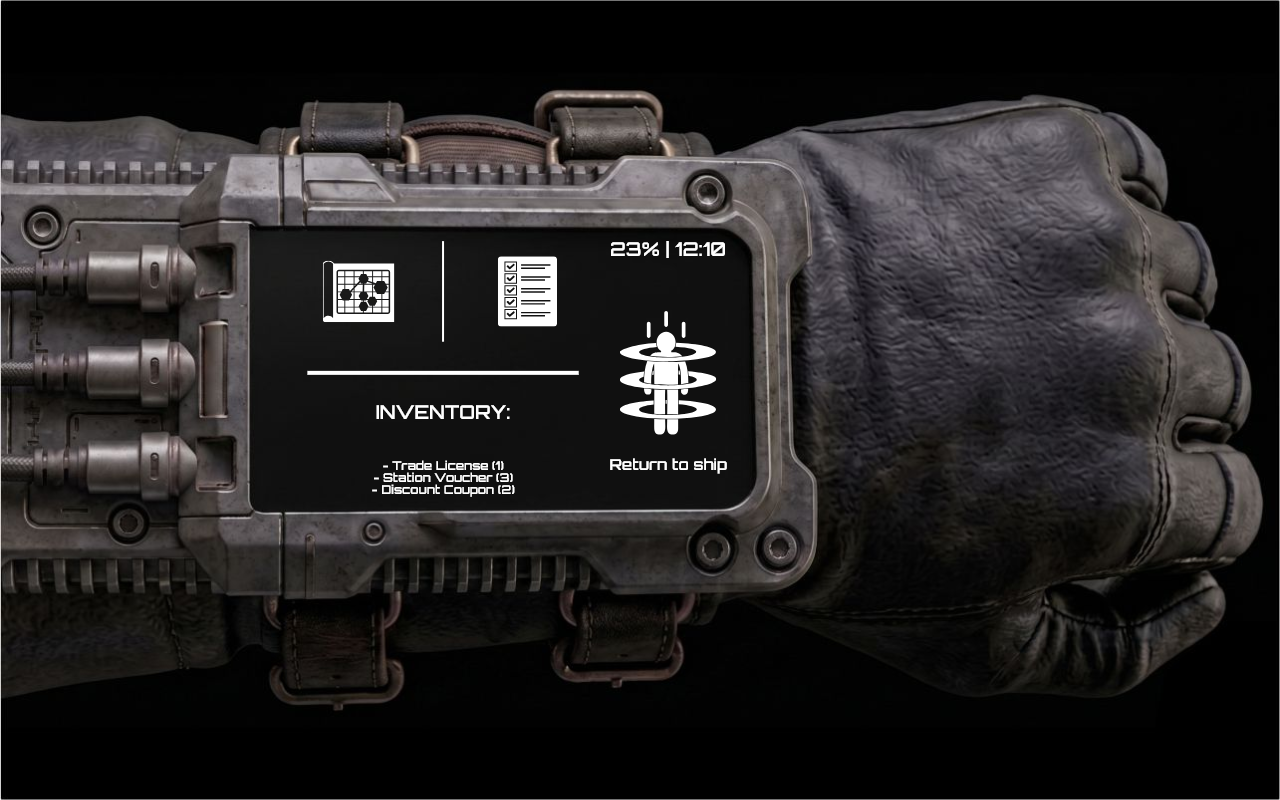
The Windows application helps configure the required paths, launch the game with logging enabled, manage the connection, and add a Windows Firewall rule when needed. Its editor supports separate layouts for flight, docking, the map, spacesuit activity, and walking on stations.
Built-in HUD editor
Design your cockpit on PC
Place widgets on a scalable grid, edit multiple game views, and fine-tune every element. Use offline mock data or a live preview on a connected device.
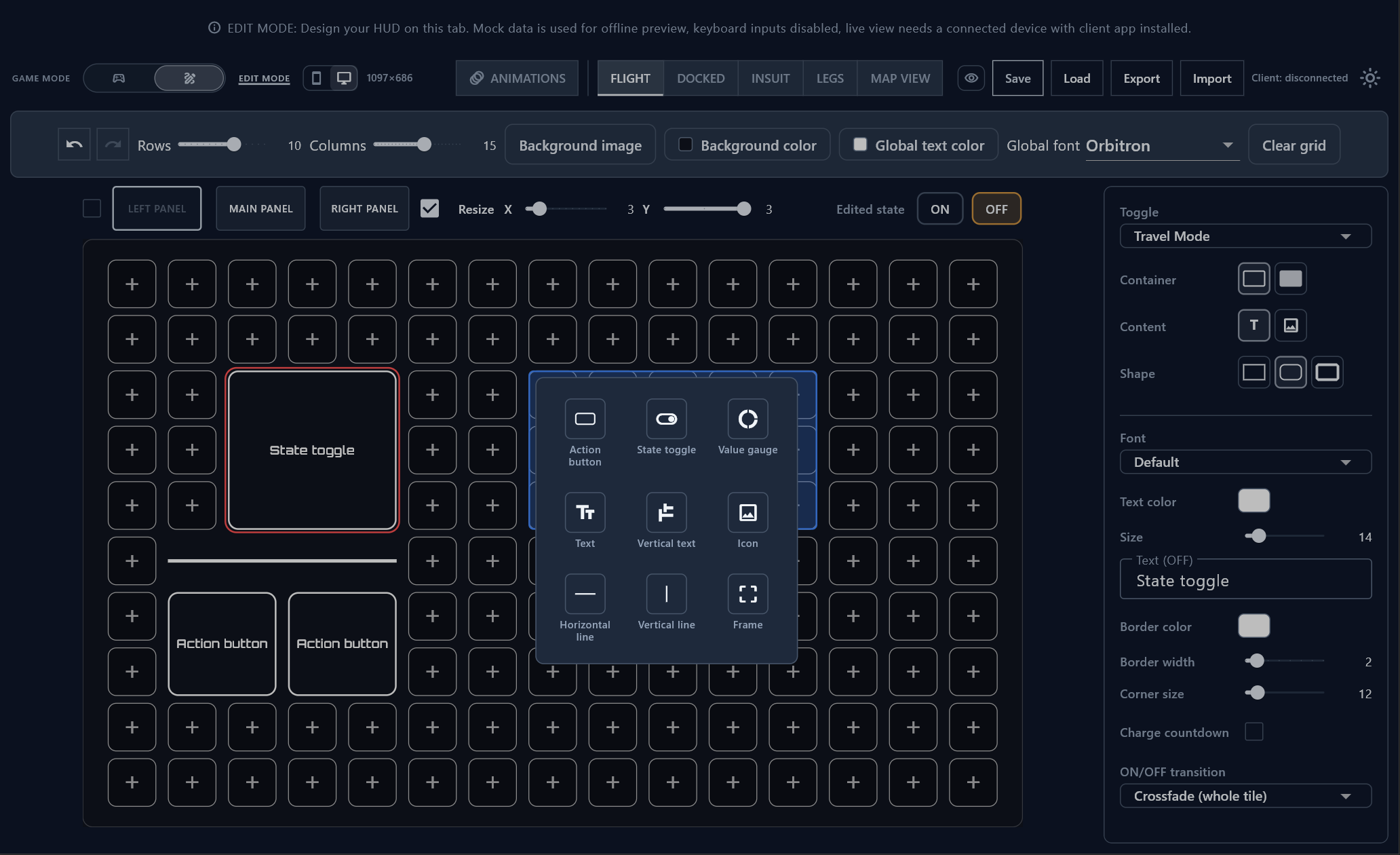
A sample project created in the editor
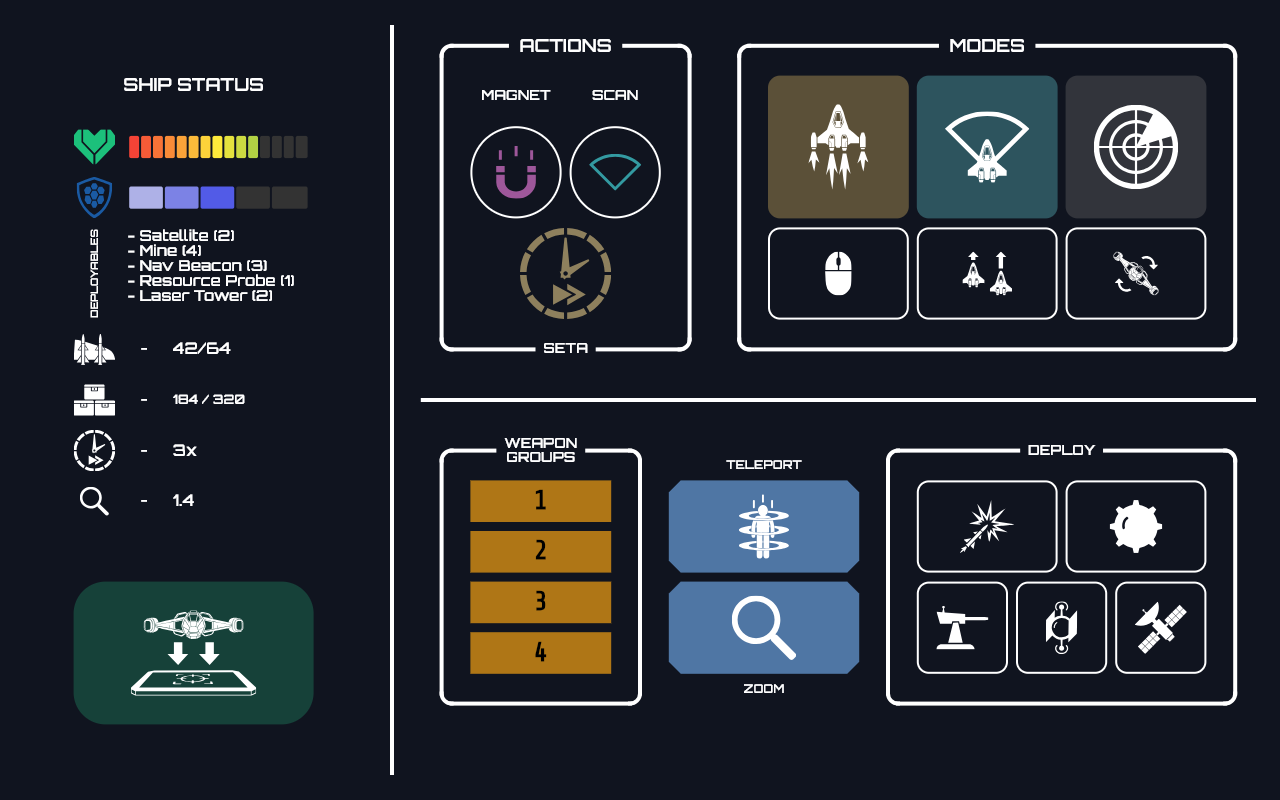
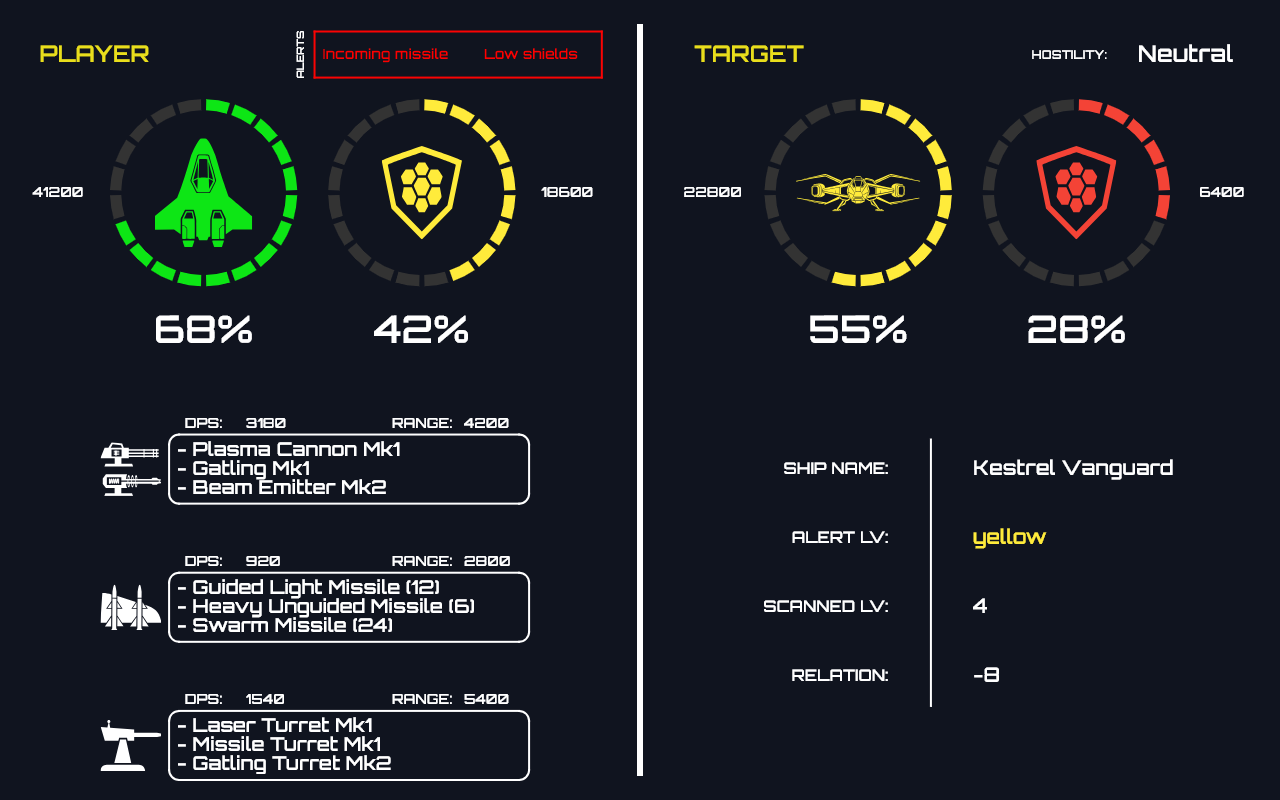
One cockpit, multiple views
Every screen can use its own layout, graphics, and controls. Click a preview to open the full-size image.
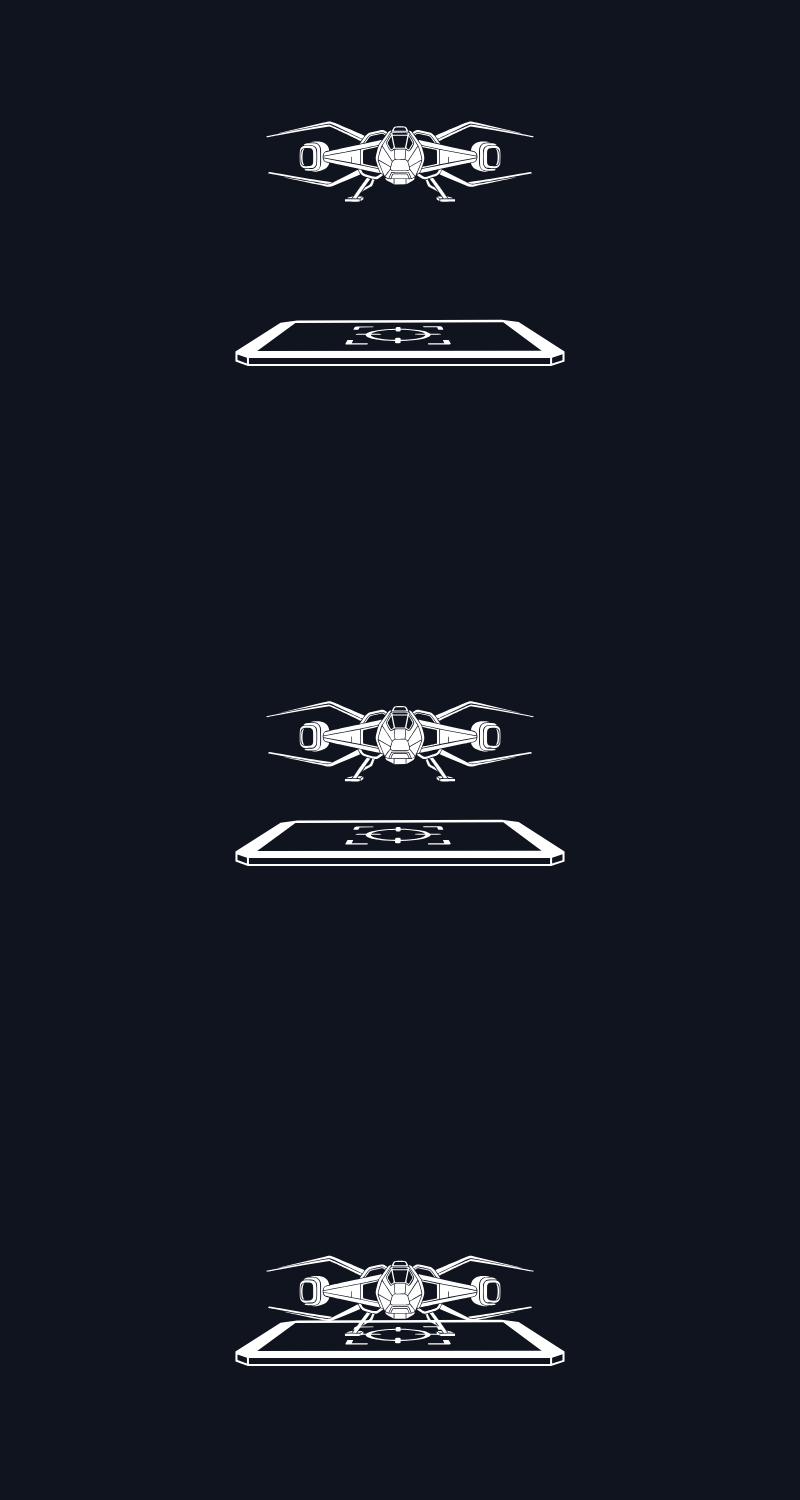
Built-in animation editor
Create your own docking sequences
Build animations frame by frame, use your own icons, and match them to the visual style of your cockpit.

Community and support
Visit the X-Cockpit website
Browse, download, and share ready-made HUD projects, or watch video tutorials covering server setup and the editor.
Join the closed test
Reserve a place – limited spots
Free Google Groups cannot be capped by Google itself, so this page reserves a place first (live counter). After that you get the join links. Set the group to instant join / no owner approval so testers are not waiting on you.
Step 1: sign in with the same Google account you use for Google Play. This reserves one place in the counter.
valuable reports = 5 free codes
Share feedback about the server, client, editor, or any other part of the project. The authors of the five pieces of feedback that are most valuable to the project’s development will receive free codes for the full client application when it reaches production release.
Submit feedback